How it worksThe methodPricingHelp
Log inStart free
HelpGoogle Calendar

Google Calendar: your day next to your lists

Connect Google Calendar and see your day beside what you have to do. Put a task on a day, or move a meeting, in one place.
Start free
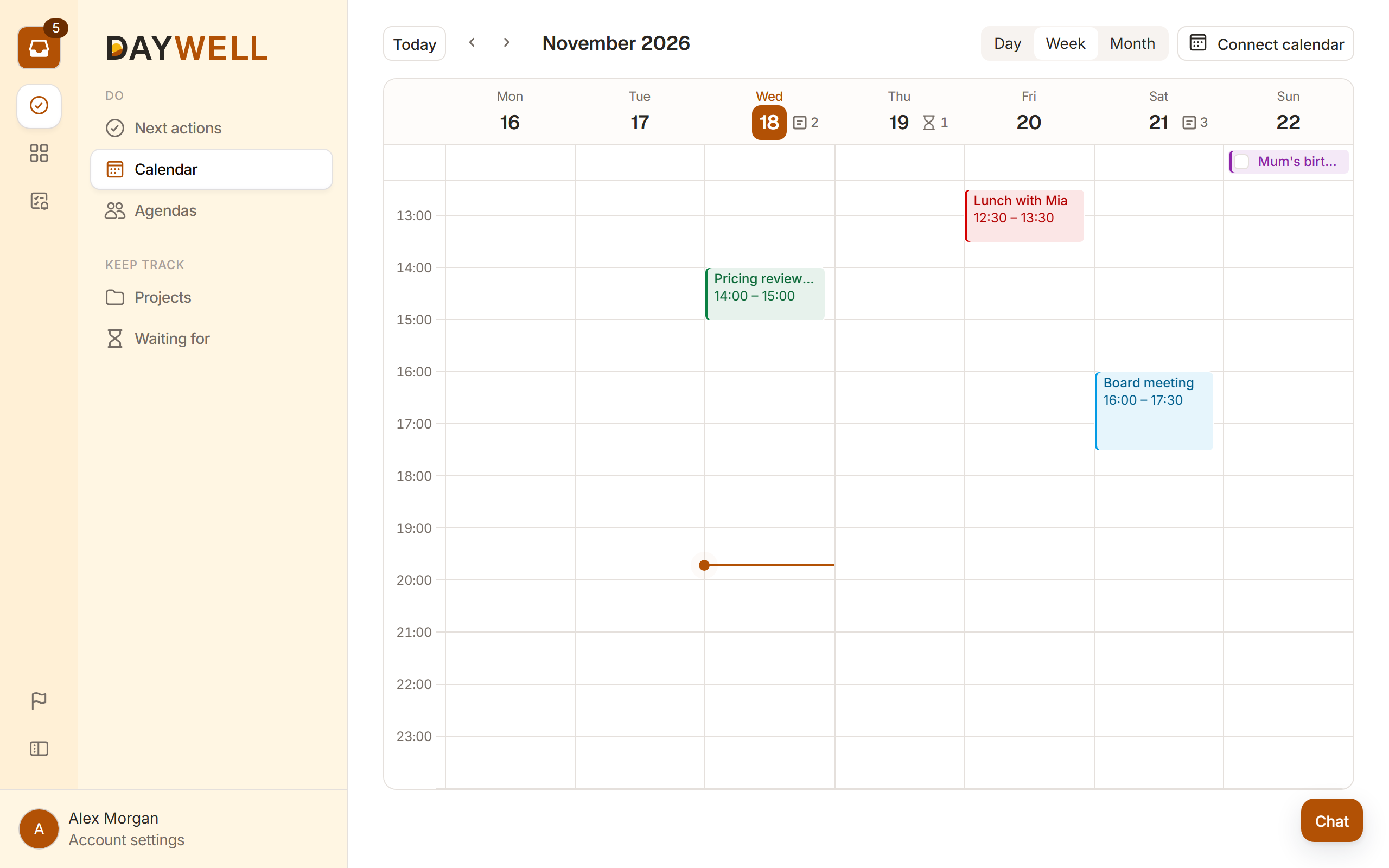
The Daywell calendar next to the lists

See your day beside your lists

Your events show on Daywell's calendar page, next to your next actions. Put a task on a day, or move a meeting, without leaving Daywell.

What Daywell does with it

  • It reads your events, so it can show your day next to your lists.
  • It writes only what you ask for: a new event, a block for a task, or a move.
  • It never sends your events to other people, and never sells them.

How to set it up

  1. You

    Open your account

    In Daywell, go to your account, then the Calendar tab.

  2. You

    Pick your Google account

    Google shows what Daywell asks for. Say yes.

  3. Daywell

    See it in Daywell

    Your events show next to your lists.

How to stop it

Remove it in Daywell's account settings. You can also remove it in your Google account, under apps with access.

Details
Works withGoogle Calendar
What it asks forFull access: read and write
Where to set it upYour account, then Calendar
HelpWrite to us
Start free

Questions about the calendar

Why Daywell asks for full access, and what it does with it.
Read all questionsWrite to us
Why does it ask for full access?
Can I use Daywell without a calendar?
Does it work with other calendars?
What happens to my events if I stop?

You may also like

Claude and ChatGPTTalk to your lists in the chat.See how it worksHow it worksThe inbox, the cards and the lists.Read morePrivacyWhat we keep, and why.Read more

Clear your head today

Start with one note. Daywell takes it from there.

Start free
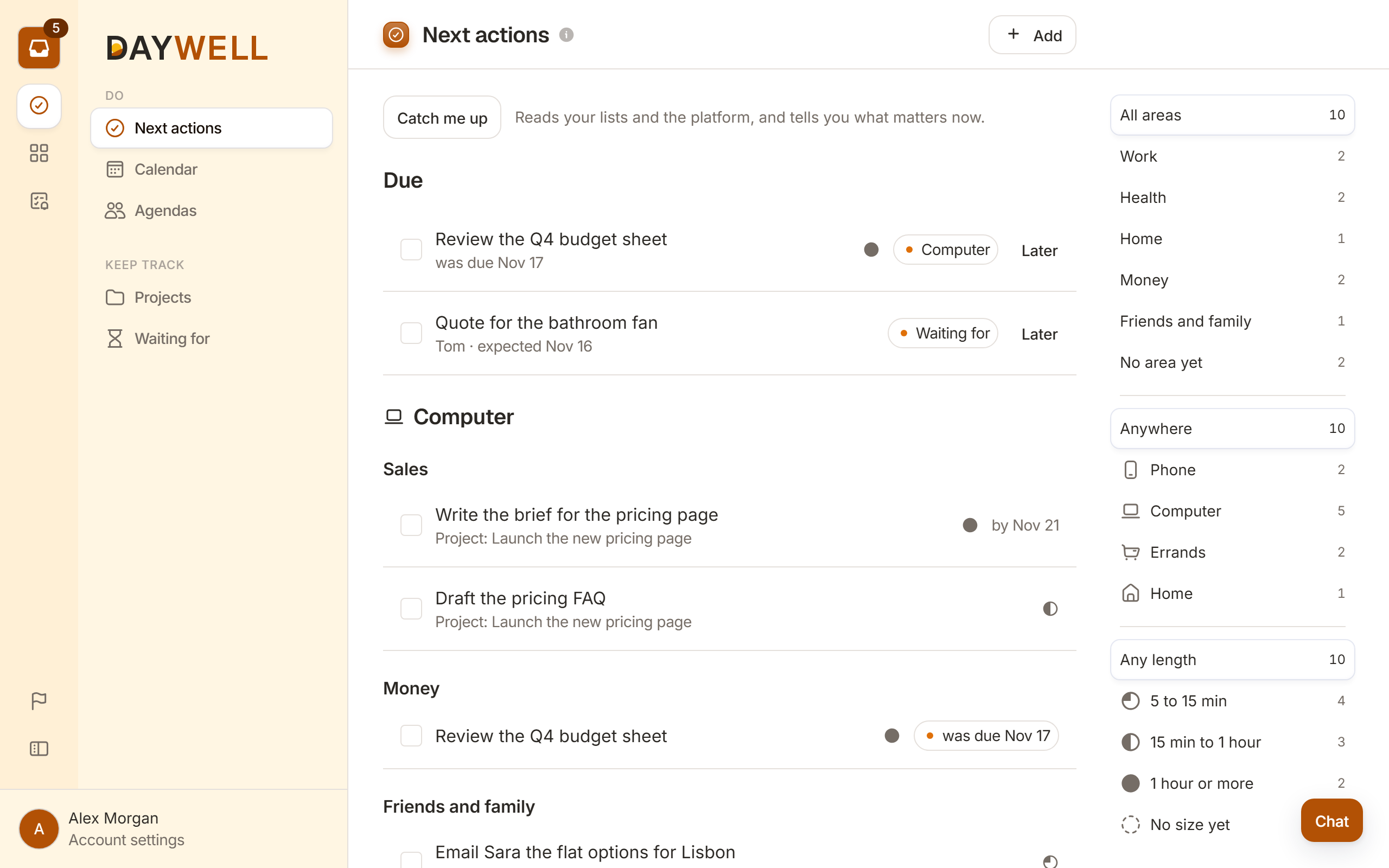
Next actions in Daywell, sorted by place and area

The app made for Getting Things Done. You fill the inbox. Daywell does the rest.

DaywellHow it worksPricingClaude and ChatGPTGoogle CalendarWhat's new
LearnThe methodHelpQuestions
CompanyAboutContactLog in
LegalPrivacyTermsCookiesAI and your dataSafety
  • Built on the book Getting Things Done
  • Works with Google Calendar
  • Works in Claude and ChatGPT
© 2026 DaywellGetting Things Done® and GTD® are marks of the David Allen Company. Daywell is not tied to them or backed by them.