Claude and ChatGPT: talk to your lists in the chat
Add Daywell to Claude or ChatGPT. Then ask it to add a note, sort your inbox, or tell you what to do next.
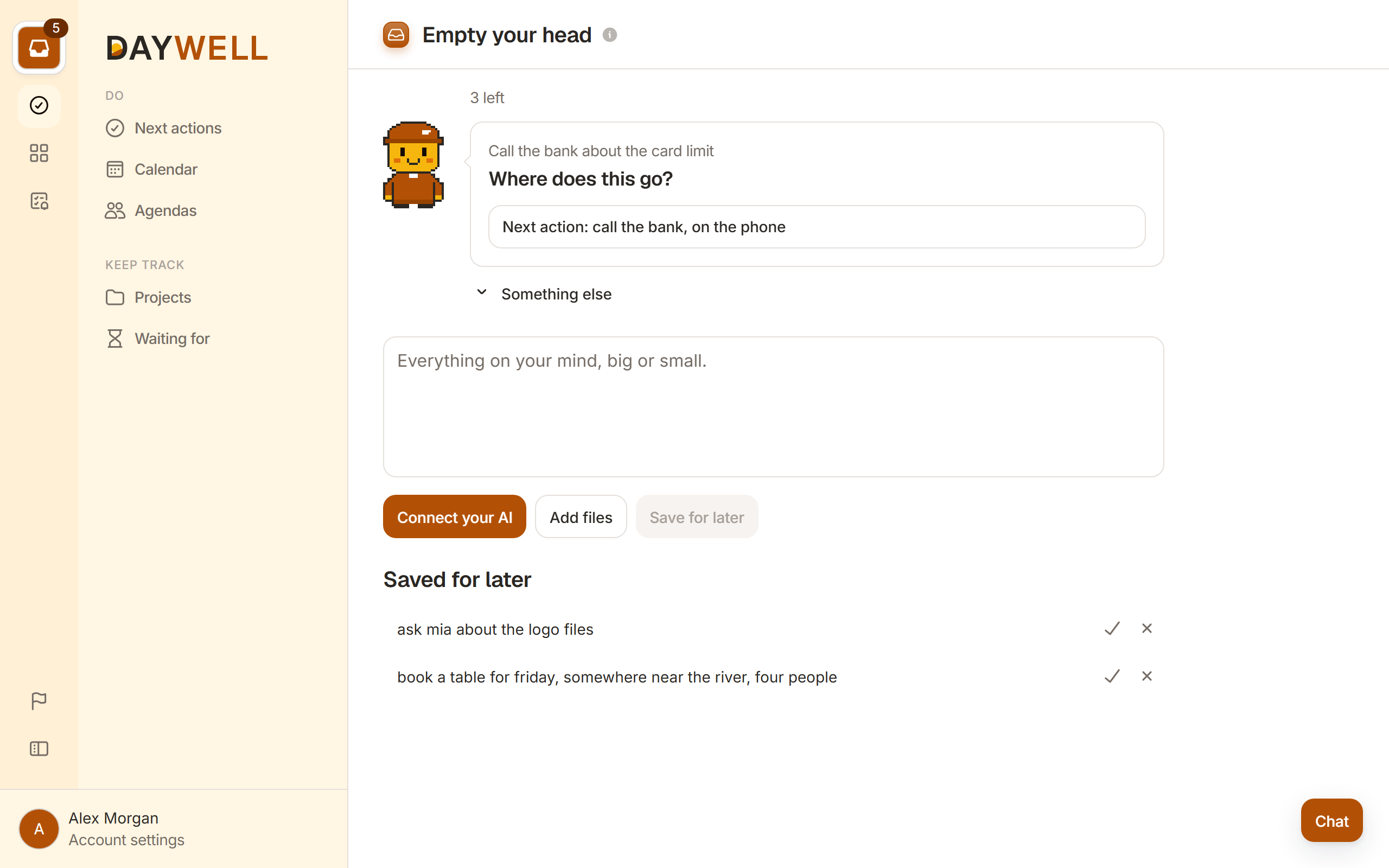
Your lists, in the chat you already use
Anything you can do by clicking in Daywell, you can ask for in the chat. Say a thought as you talk, and it lands in your inbox.
What it can do
- Add notes in plain words, a few at once.
- Sort the inbox with you, up to four cards at a time. It waits for your answer.
- Tell you what to do now, by place and time.
- Show who you are waiting on.
- Walk you through the weekly review.
How to set it up
- You
Add the connector
In Claude or ChatGPT, open the settings and add Daywell.
- You
Sign in
Log in to Daywell in the window that opens.
- Daywell
Allow it
Say yes, and the chat can read and change your lists.
Things to say
Add to my inbox“Add: call the bank, buy a gift for Anna, book the dentist.”
What should I do now?“I have 20 minutes at my laptop. What should I do?”
Who owes me?“What am I waiting on from Tom?”
Make it a project“Plan the trip to Rome. What is the first step?”
Do my review“Walk me through my weekly review.”
Fix a mistake“Move the dentist to next week. Undo the last change.”
What it can and cannot change
It never
- Files a card without your answer
- Changes how Daywell works
- Sees other people's lists
It can
- Add, move and edit your items
- Answer cards as you say
- Undo a change when you ask
You can take its access back at any time.
Questions about the chat
How it works with your lists, and what it can see. The full list is on our questions page.